How to Update Firmware and Tune Folding E‑Scooters: Step‑by‑Step Guide to Safely Boost Speed, Range & Efficiency
Introduction
Modern folding electric scooters rely on sophisticated firmware to manage motor output, battery usage, and safety systems. By updating that firmware and adjusting key parameters, riders can achieve higher top speeds, longer travel distances, and smoother power delivery. This guide explains the entire process in a clear, actionable manner, allowing the reader to enhance performance without compromising safety. The instructions apply to a wide range of adult scooters, including high‑power models such as the Misodo 1500W, mid‑range options like the CUNFON 650W, and budget‑friendly units such as the Riuiio 500W.
Readers will learn how to prepare the necessary tools, back up existing settings, install the latest software, fine‑tune speed limits, and optimize battery management. Each step includes product recommendations that serve as reliable tools for the task. The guide remains valuable even if the reader chooses not to purchase any of the suggested items.
What You’ll Need
- Smartphone or tablet with Bluetooth and internet access
- USB‑C or proprietary charging cable compatible with the scooter
- Reliable Wi‑Fi connection for downloading firmware files
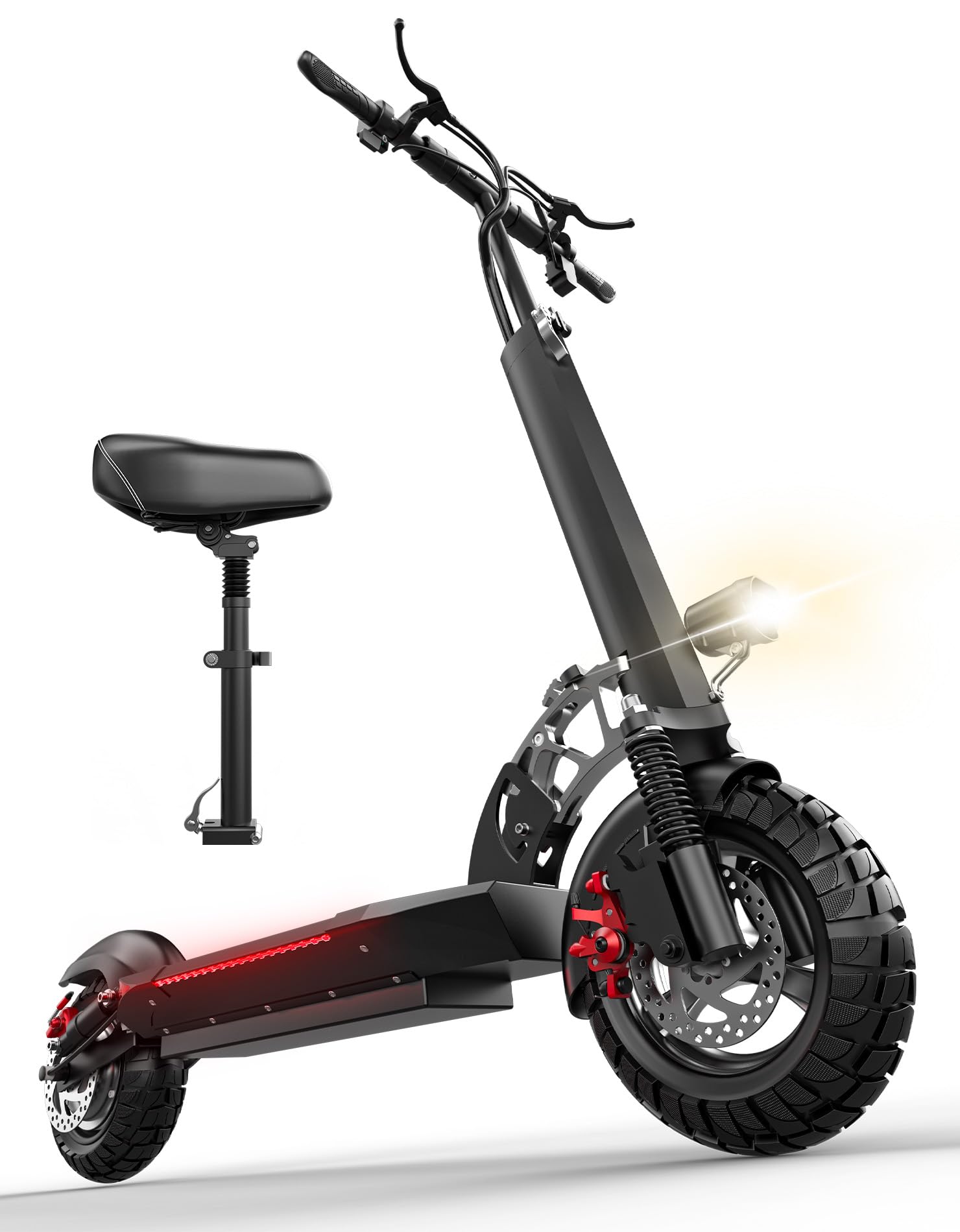
- Optional: Misodo 1500W Electric Scooter – provides a robust test platform for high‑performance tuning
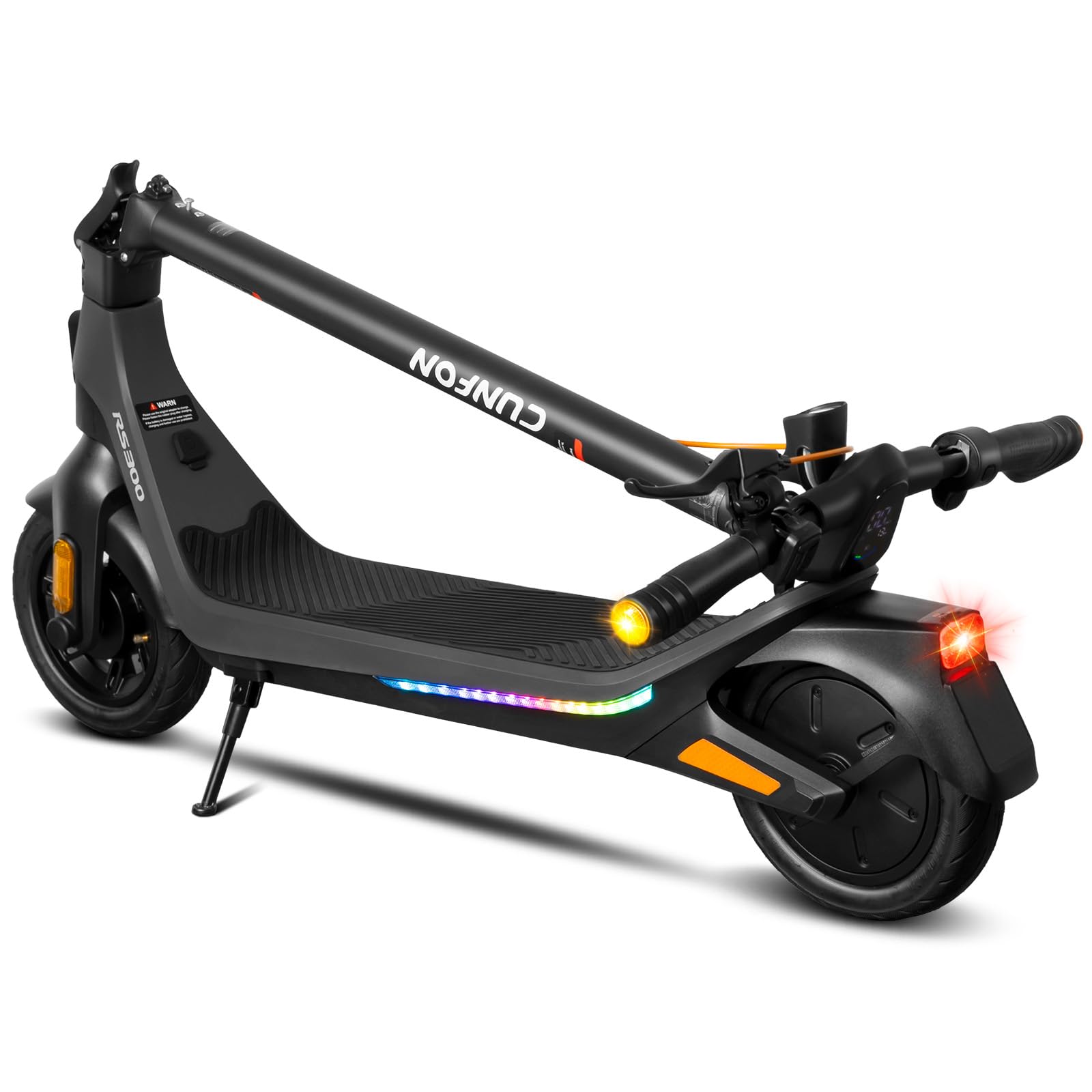
- Optional: CUNFON 650W Folding Electric Scooter – ideal for users who prefer a lighter, portable unit
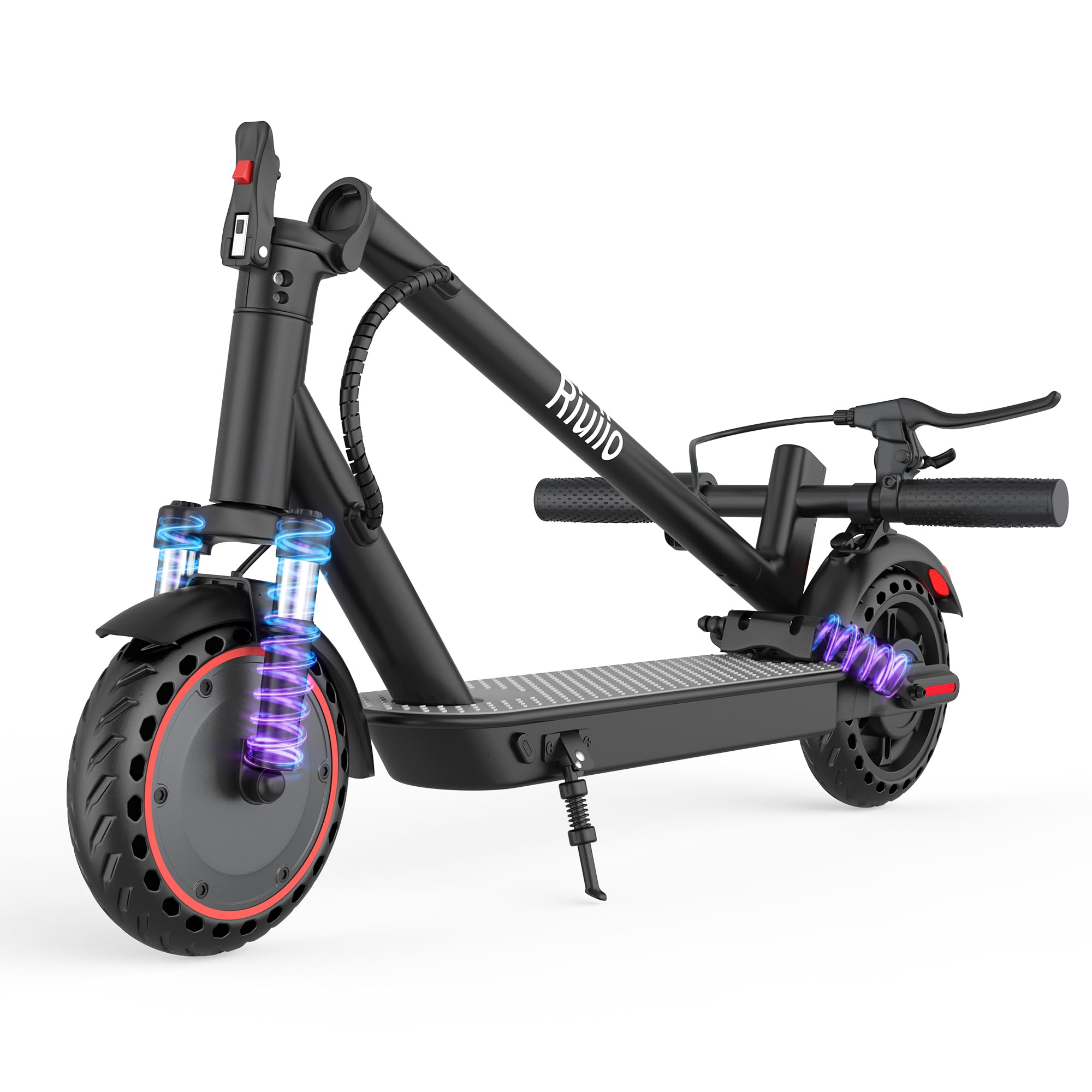
- Optional: Riuiio 500W Commuter Electric Scooter – budget‑friendly choice for daily commuting
- Optional: AR‑PRO Inner Tubes – useful for maintaining tire pressure after intensive rides
Step 1: Prepare Your Workspace and Verify Compatibility
Begin by selecting a well‑ventilated area free from metal debris. Place the scooter on a stable surface and ensure the battery is at least 50 % charged to avoid interruptions during flashing. Verify that the scooter model supports firmware upgrades; most recent Misodo, CUNFON, and Riuiio units provide a dedicated mobile app for this purpose. The Misodo 1500W, for example, features a 48 V 13 Ah battery that can sustain the update process without risk of depletion.
Why the recommended scooters matter: the Misodo offers dual disc brakes and a powerful motor that can fully demonstrate the benefits of a speed‑limit increase, while the CUNFON’s 650 W motor showcases moderate gains without stressing the drivetrain. The Riuiio’s dual‑suspension system benefits from smoother power curves after firmware optimization.
Step 2: Back Up Existing Settings
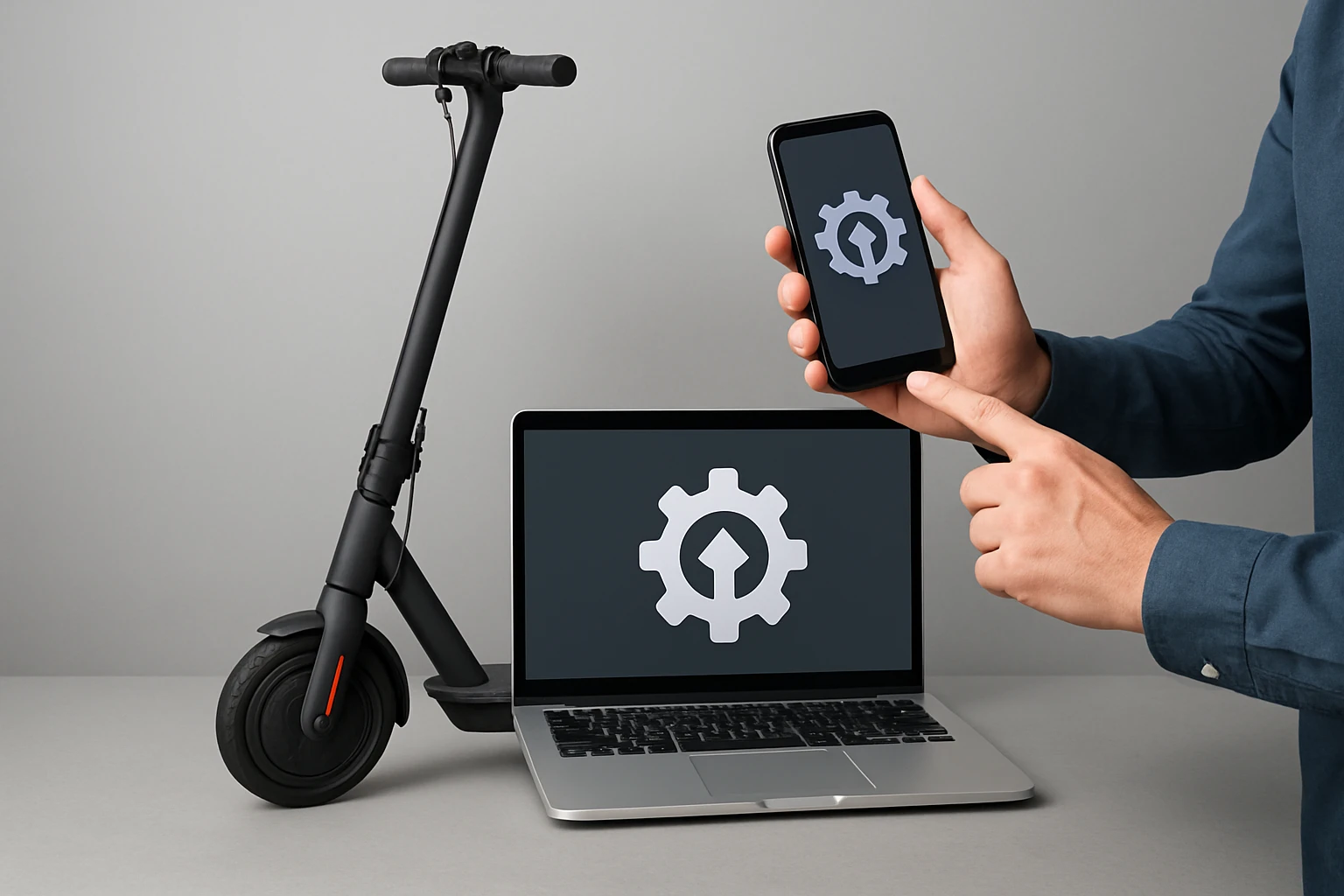
Open the official app associated with the scooter—Misodo Connect, CUNFON Smart, or Riuiio Companion. Navigate to the settings menu and locate the “Export Configuration” option. Export the file to your device’s local storage or cloud account. This backup enables you to revert to the original configuration if the new firmware causes instability.
Backing up is essential because firmware updates may reset speed limits, battery‑protect thresholds, and custom brake curves. Having a copy ensures that the rider can restore the scooter to its factory‑approved state without contacting support.
Step 3: Download the Latest Firmware
Visit the manufacturer’s support page or the in‑app update section. Download the firmware file that matches the scooter’s exact model number and hardware revision. For the Misodo 1500W, the file is typically named Misodo_V1.3.2.bin. For CUNFON and Riuiio units, the naming convention follows a similar pattern.
Ensure the file is stored in a folder that the app can access, such as the device’s “Downloads” directory. Verify the file’s checksum if provided; this step prevents corrupted installations that could brick the controller.
Step 4: Connect the Scooter to Your Device
Activate Bluetooth on the smartphone and power on the scooter. In the app, select “Connect to Scooter.” The app will display the scooter’s MAC address; confirm that it matches the label on the frame. For models lacking Bluetooth, use the USB‑C cable to establish a wired connection, then enable “Developer Mode” within the app settings.
During this stage, the optional Misodo 1500W Electric Scooter proves useful because its robust Bluetooth antenna maintains a stable link even in environments with interference. The CUNFON’s folding design also makes it easy to store the scooter while the update proceeds.
Step 5: Flash the Firmware
Within the app, choose “Firmware Update” and browse to the file downloaded in Step 3. Initiate the flashing process and allow the scooter to remain powered and connected for the entire duration—typically 2–5 minutes. Do not interrupt the power supply; doing so may corrupt the controller.
After completion, the scooter will reboot automatically. The app will display the new firmware version, confirming a successful installation. At this point, the rider can proceed to adjust performance parameters.
Step 6: Adjust Speed Limits and Power Curves
Most scooters expose a “Speed Limit” slider in the advanced settings section. Increase the limit incrementally—5 km/h at a time—while monitoring stability. For the Misodo 1500W, the default limit is 25 mph; raising it to 28 mph can be achieved without exceeding the motor’s 30‑degree hill‑climb capability.
Adjust the “Acceleration Curve” to smooth out power delivery. A gentler curve reduces wheel slip on wet surfaces, while a steeper curve provides rapid launch for off‑road use. Document each change and test the scooter on a safe, open area before riding in traffic.
Step 7: Optimize Battery Management for Extended Range
Enable “Eco Mode” if the scooter offers it; this mode reduces peak current draw, extending the 45‑mile range of the Misodo or the 25‑mile range of the CUNFON. Additionally, calibrate the battery meter by fully charging the scooter, then discharging it to the low‑battery cutoff point before recharging again. This calibration improves range estimations displayed in the app.
For riders who frequently travel long distances, consider investing in a high‑quality spare battery pack. The Misodo’s 48 V 13 Ah battery provides a solid baseline, but a secondary pack can double usable mileage on a single day.
Step 8: Verify Performance and Record Results
After all adjustments, conduct a controlled test ride. Record top speed, acceleration time (0–20 km/h), and battery consumption over a fixed distance. Compare these metrics to the baseline data captured before the firmware update. If any parameter deviates significantly—such as a sudden drop in range—re‑visit the settings or revert to the backup configuration.
Documenting results helps the rider understand the trade‑off between speed and efficiency, allowing informed decisions for future tweaks.
Tips & Pro Tips
- Always keep the scooter’s firmware version documented; manufacturers may release critical safety patches.
- Use a high‑capacity power bank or a wall outlet with stable voltage when flashing via USB‑C to avoid power dips.
- For off‑road adventures, upgrade the tires or install AR‑PRO Inner Tubes to improve puncture resistance and ride comfort.
- Maintain the scooter’s firmware in a separate folder labeled with the scooter’s serial number for easy retrieval.
- When increasing speed limits, wear protective gear—helmet, gloves, and knee pads—to mitigate injury risk.
Troubleshooting
| Problem | Possible Cause | Solution |
|---|---|---|
| Firmware flash fails | Interrupted power or corrupted file | Re‑download the firmware, ensure battery >70 %, and retry. |
| Speed does not increase after adjustment | Speed limiter still active in hardware | Check for a physical speed‑limit switch on the controller; disable if present. |
| Battery range drops dramatically | Improper calibration or damaged cell | Perform a full charge‑discharge cycle and re‑calibrate; replace battery if issue persists. |
Conclusion
Updating firmware and fine‑tuning performance parameters empower scooter owners to extract maximum speed, range, and efficiency from their folding e‑scooters. By following the structured steps—preparing the workspace, backing up settings, flashing the latest firmware, and carefully adjusting speed and battery settings—riders can achieve measurable improvements while preserving safety. The optional tools highlighted throughout this guide, such as the Misodo 1500W Electric Scooter and AR‑PRO Inner Tubes, provide reliable platforms for testing and maintenance, though the process remains feasible without additional purchases.
Readers are encouraged to experiment responsibly, keep records of each change, and revert to the original configuration if any instability arises. With diligent practice, the scooter will become a more capable and enjoyable mode of transportation.
Products Mentioned in This Guide
Frequently Asked Questions
How do I safely back up my e‑scooter firmware before updating?
Connect the scooter to the companion app, navigate to the firmware section, and use the 'Backup Settings' button to export a file to your device.
What tools are required to flash new firmware on a folding e‑scooter?
A smartphone or tablet with Bluetooth, the scooter’s official app, and optionally a USB‑C cable for wired updates if supported.
Can firmware updates increase the top speed of my scooter without risking safety?
Yes, many updates unlock higher speed limits, but you should stay within the scooter’s rated voltage and load specifications.
How often should I check for firmware updates on my e‑scooter?
Check the app monthly or enable automatic notifications to ensure you receive performance and safety improvements promptly.
Is it possible to revert to the original firmware if a new version causes issues?
Most apps allow a 'Restore Backup' feature, letting you reinstall the previously saved firmware file if needed.